Designing 3D prints with Claude and FreeCAD
I’ve recently acquired a 3D printer and use FreeCAD to design parts to print. I built an MCP server to drive FreeCAD via Claude Code. It’s a collection of tools that use built-in FreeCAD capabilities to design parts.
Code: GitHub Repo
It’s fairly straightforward to install, a guide can be found here. Once installed, you can:
- Design parts with Claude Code directly in FreeCAD open on your computer
- Select faces/edges and ask Claude to update them
- Export in 3MF/STL format
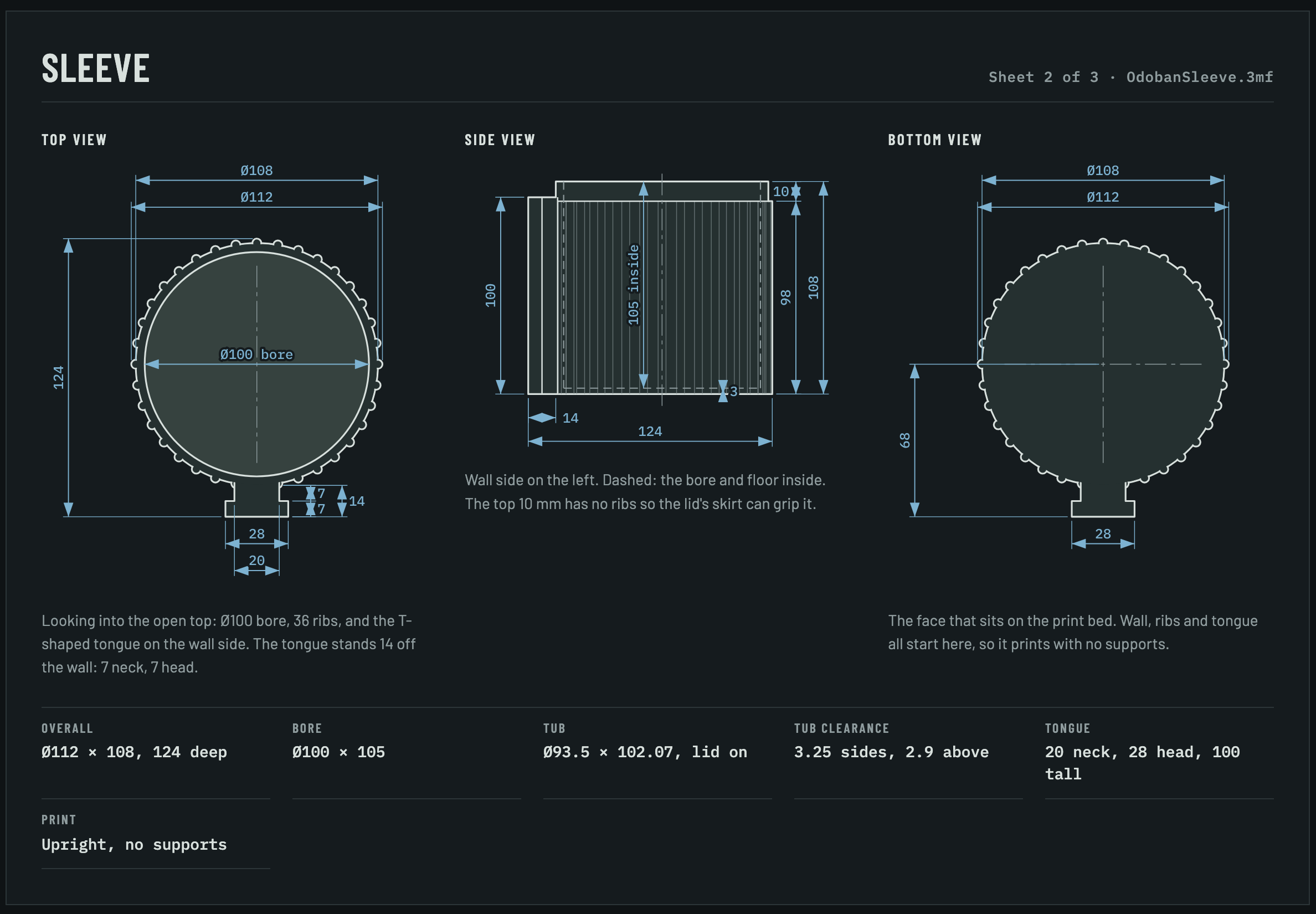
- Create artifacts for the designs with Claude Code, including views from 3 planes (XY, YZ, XZ), dimensions etc.
Considerations
- Plugin should be installed locally in the folder you plan to save your models. To keep results predictable and prevent Claude from writing Python scripts to build designs, I have blocked bash commands while the plugin is running
- I’ve found discussing the design and creating artifacts to map out all the dimensions before creating the designs in FreeCAD very helpful
Some 3D printable models I created using my MCP server
Wall-mounted deodorizer holder
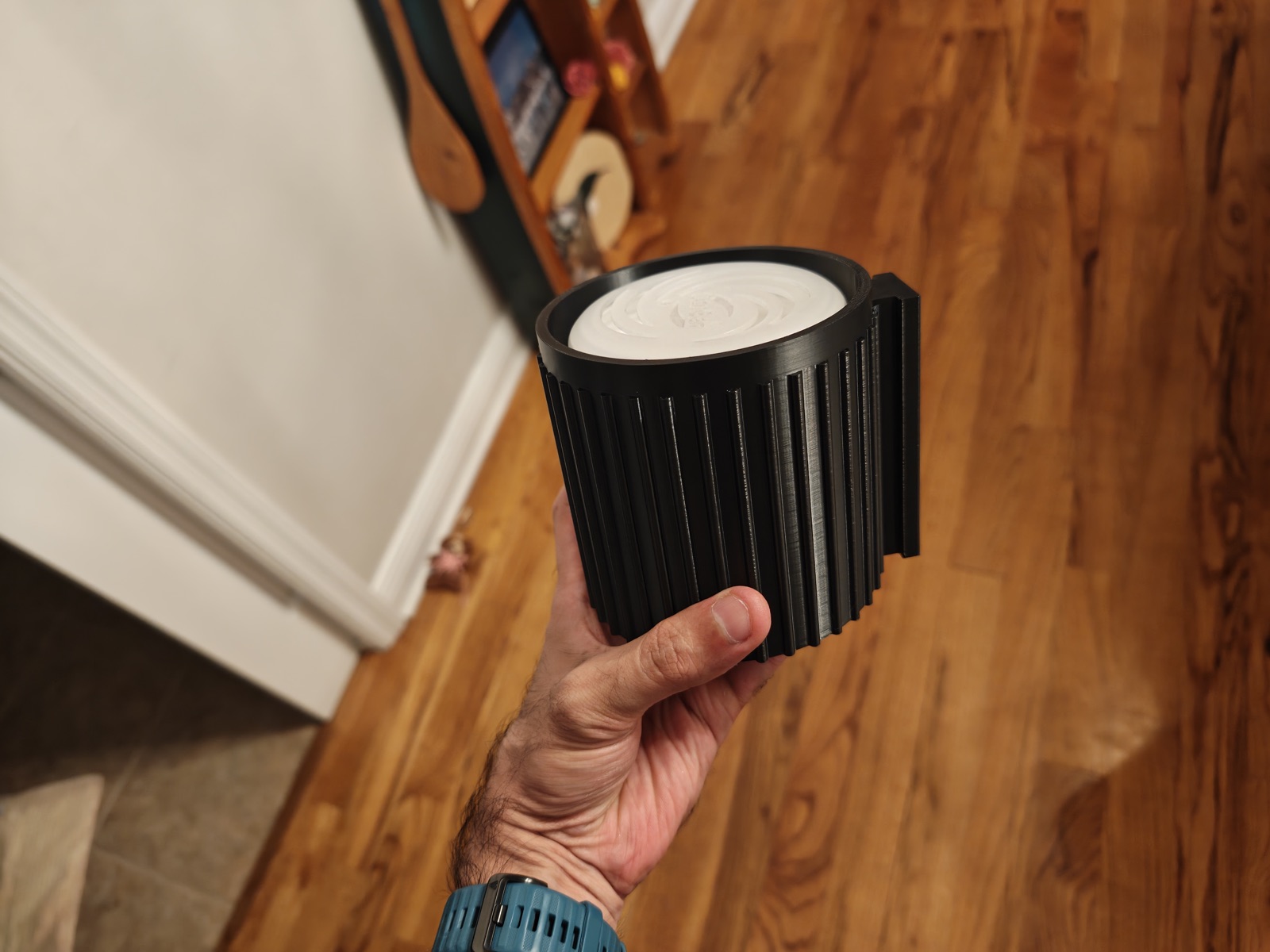
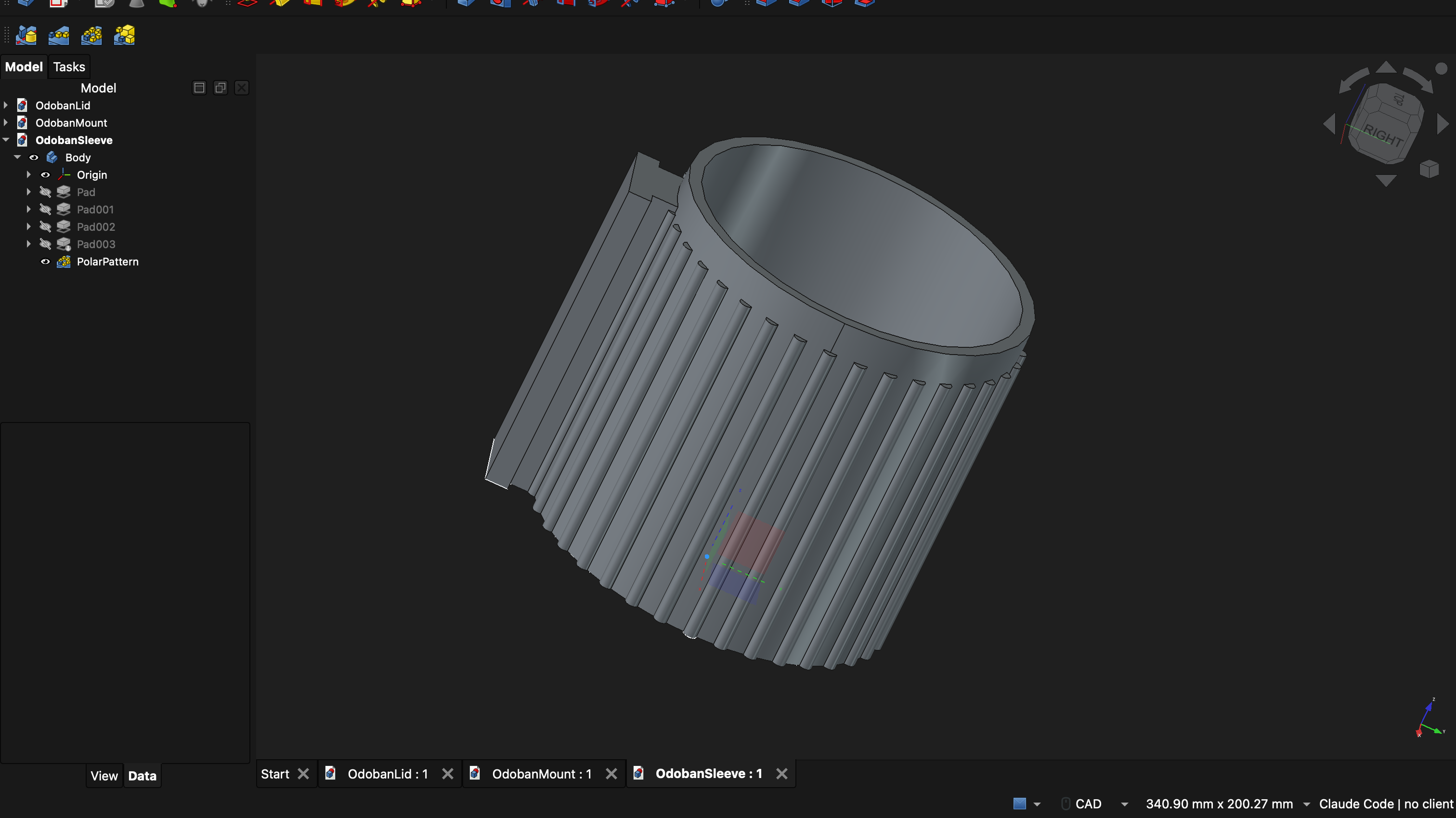
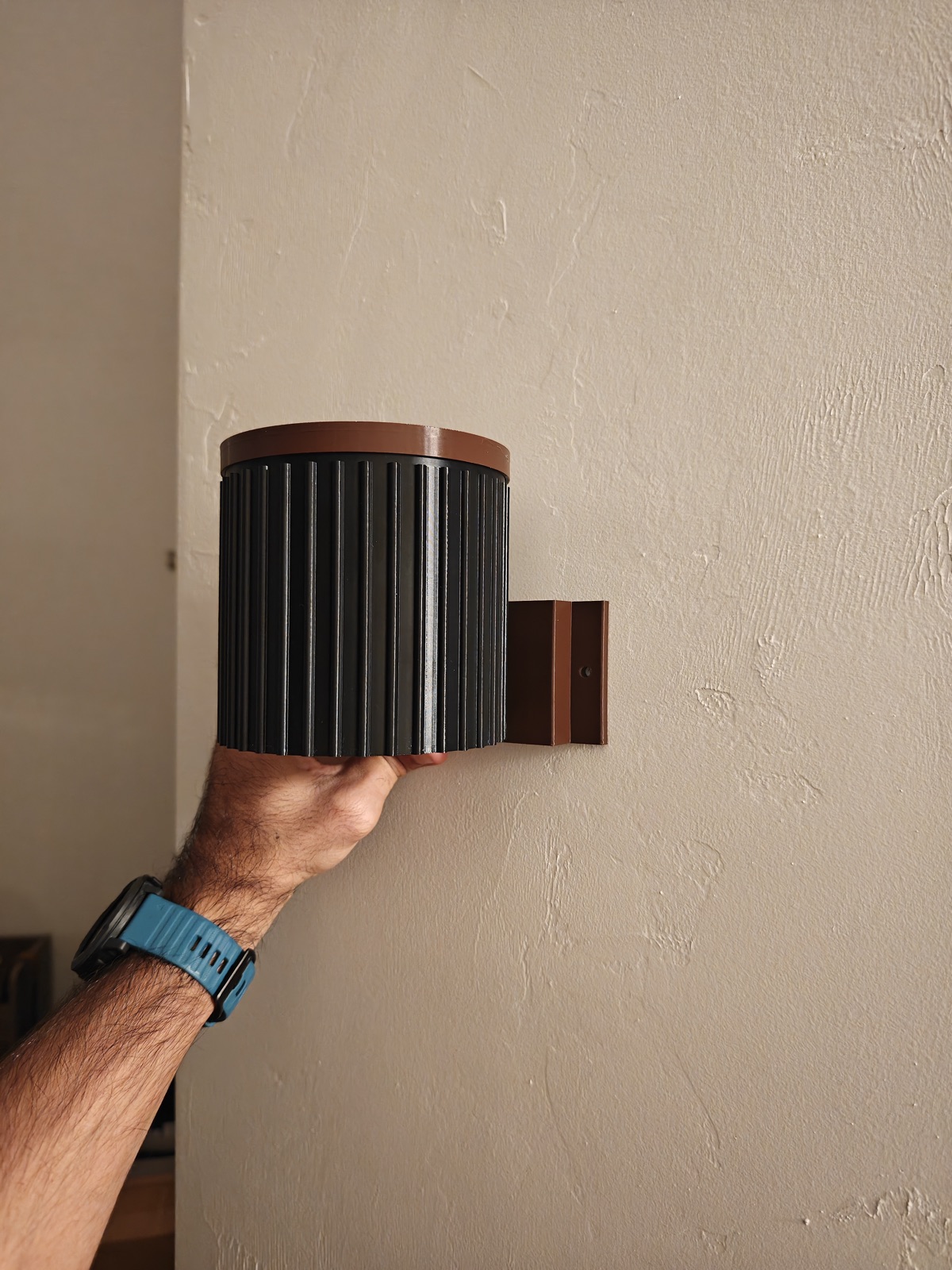
This holds a standard OdoBan deodorizer. It can be wall-mounted in each room in the house. It’s three parts, and for each one below you’ll see the print, the artifact Claude created for the design specs, and the model it generated in FreeCAD.
Sleeve - This holds the deodorizer tub. The T-shaped mount on the back slides into the wall mount.
Lid - A vented cap to cover the sleeve. This is optional but makes things look better.
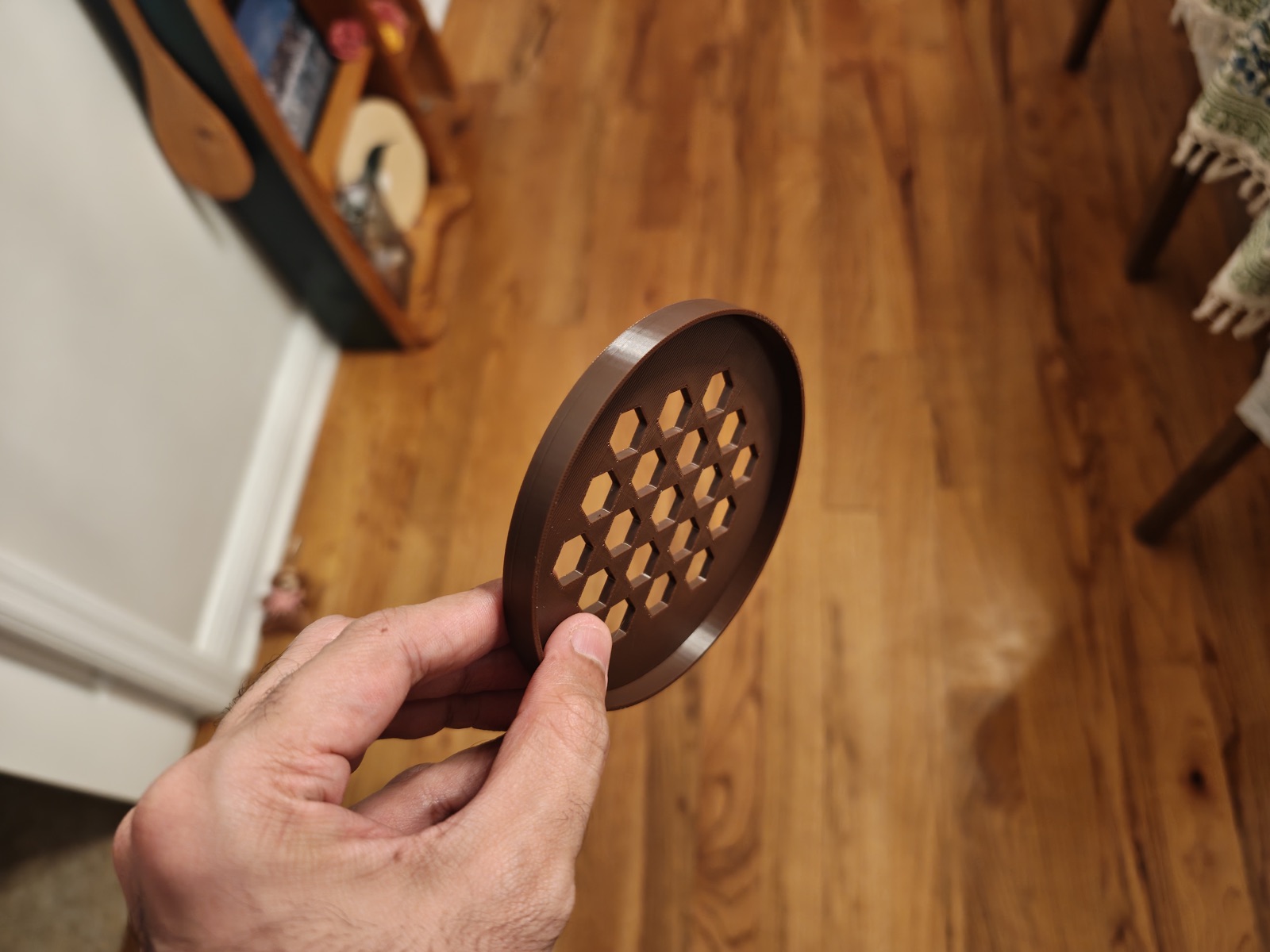
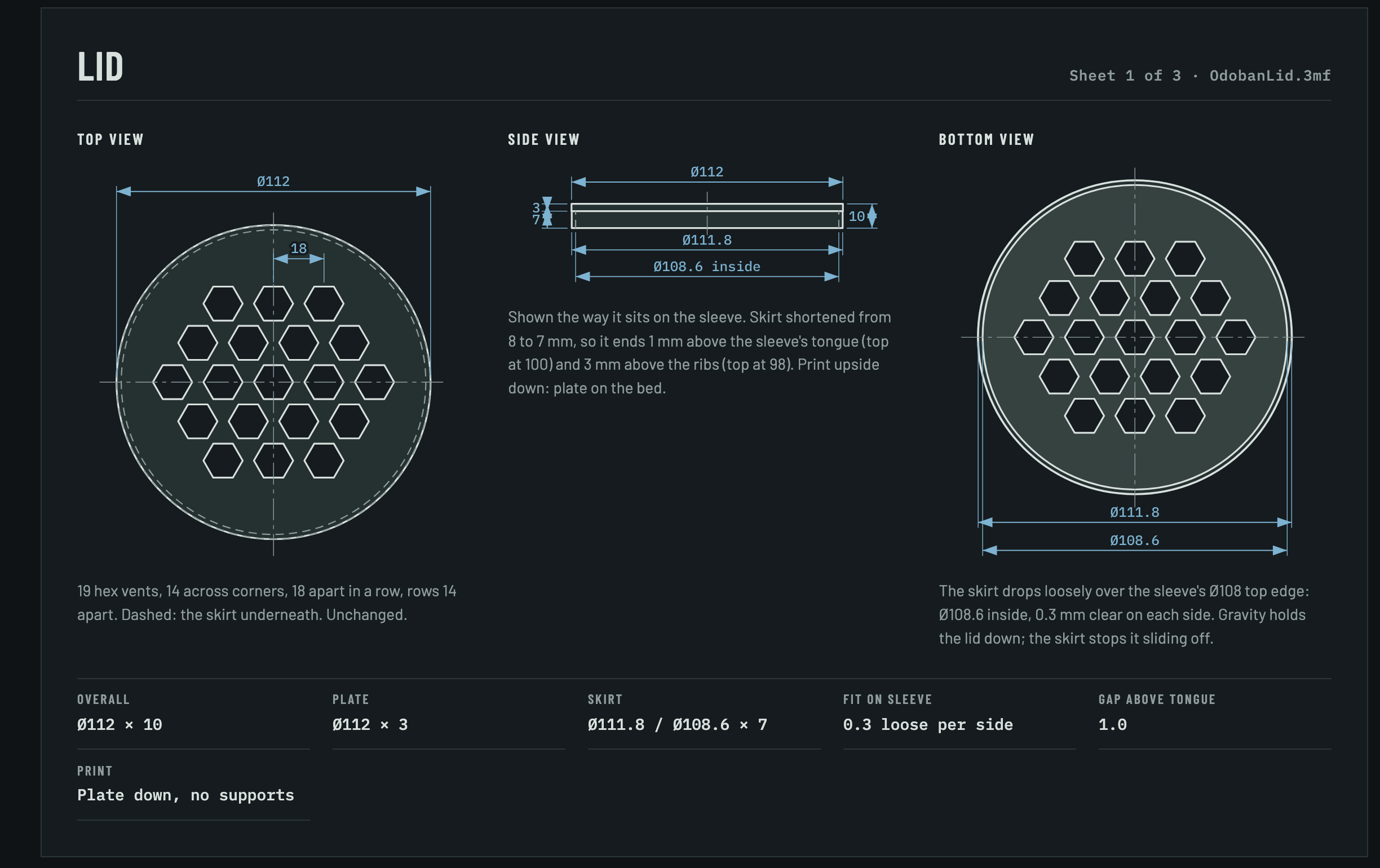
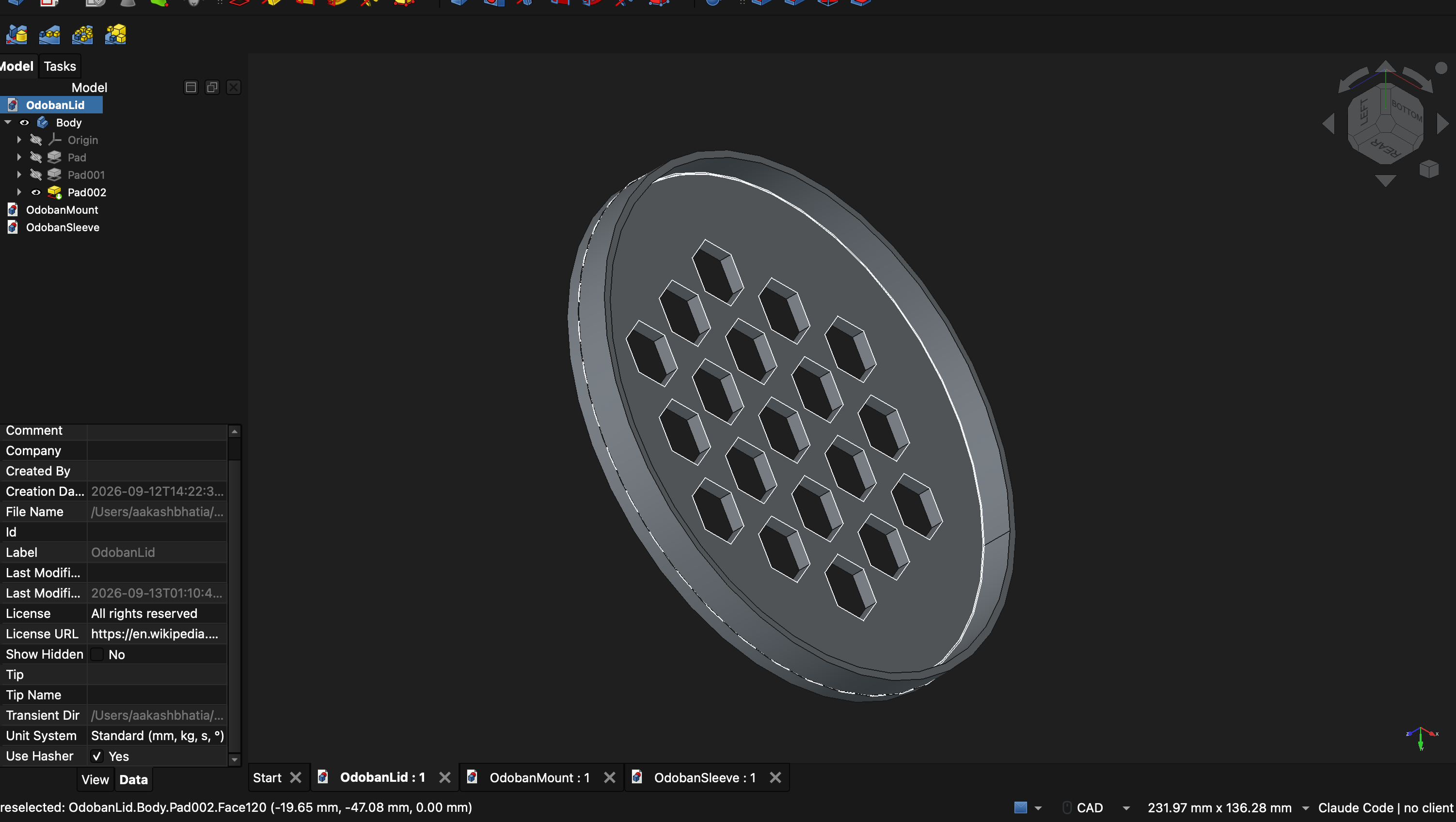
Wall mount - Screws into the wall with two screws.
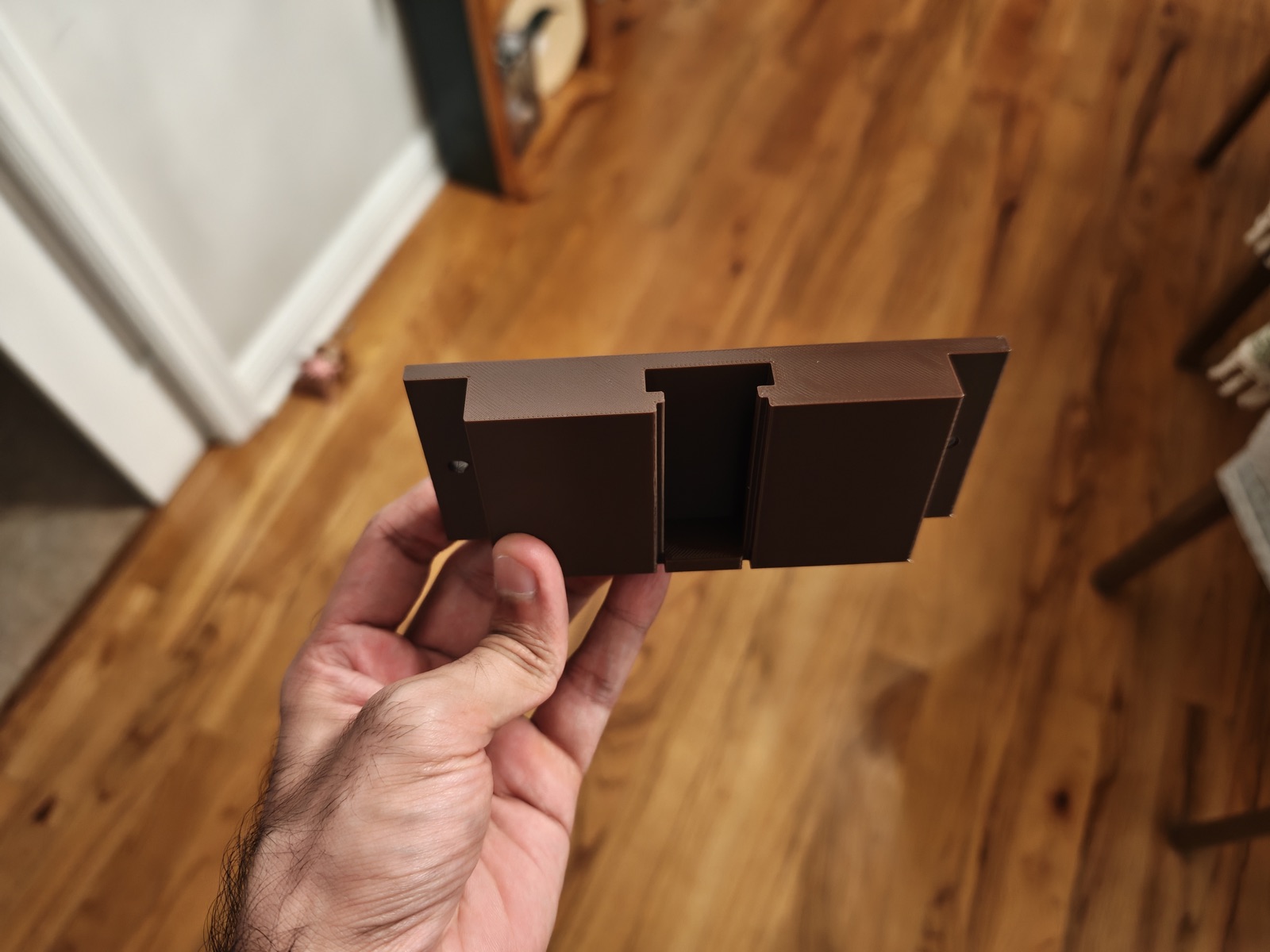
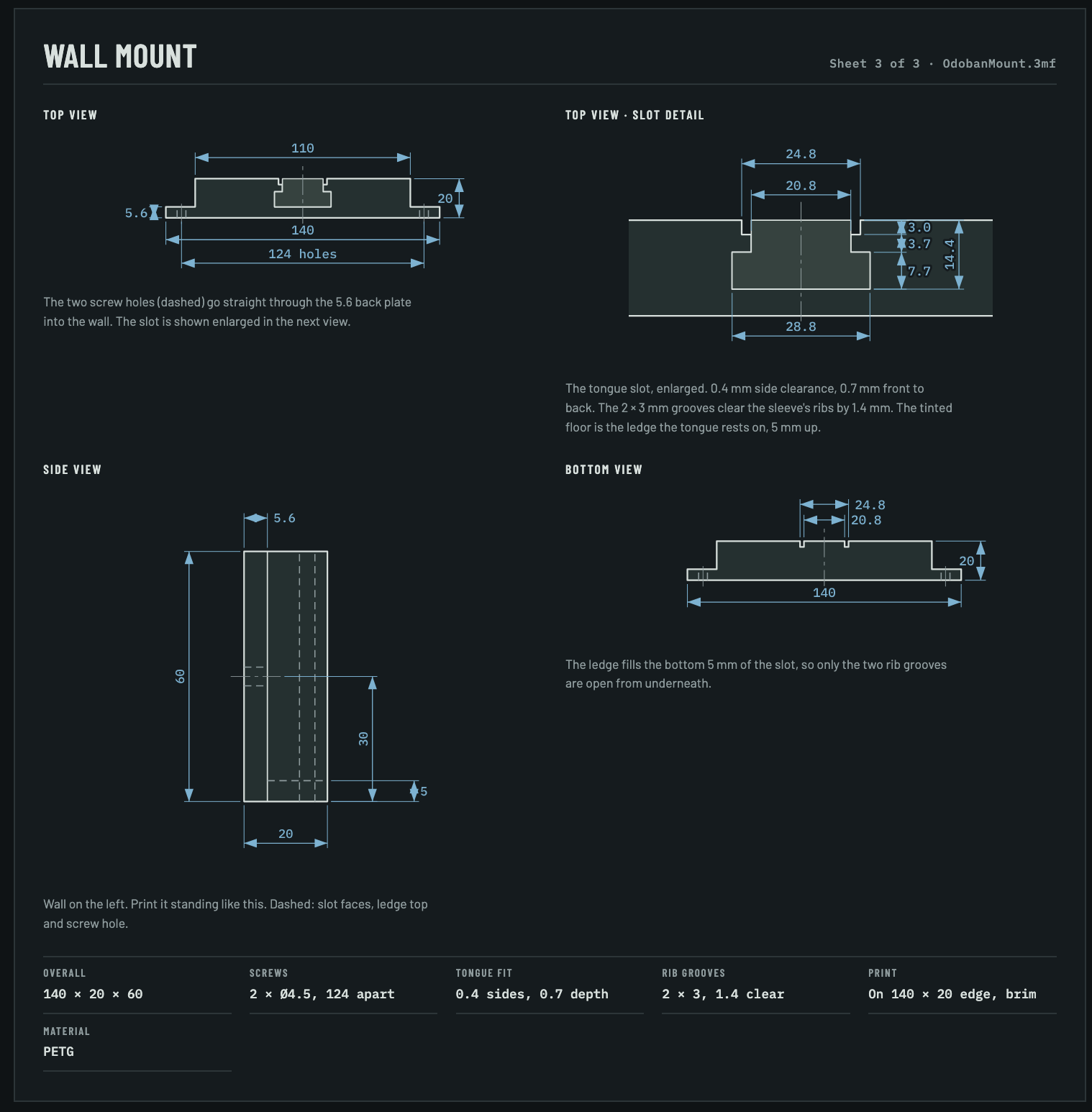
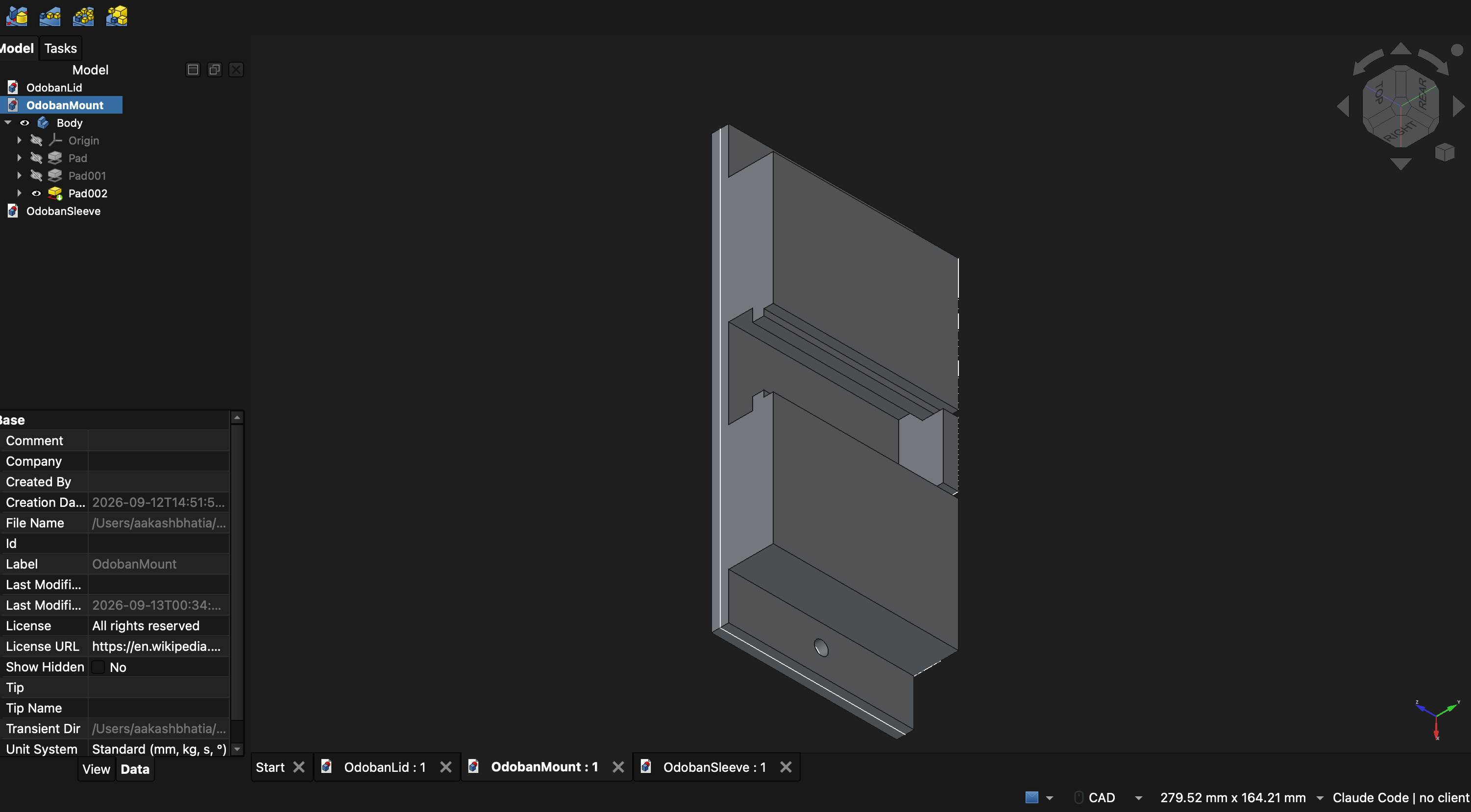
All together - The sleeve slides down onto the mount and the lid goes on top:
Spatula drip tray
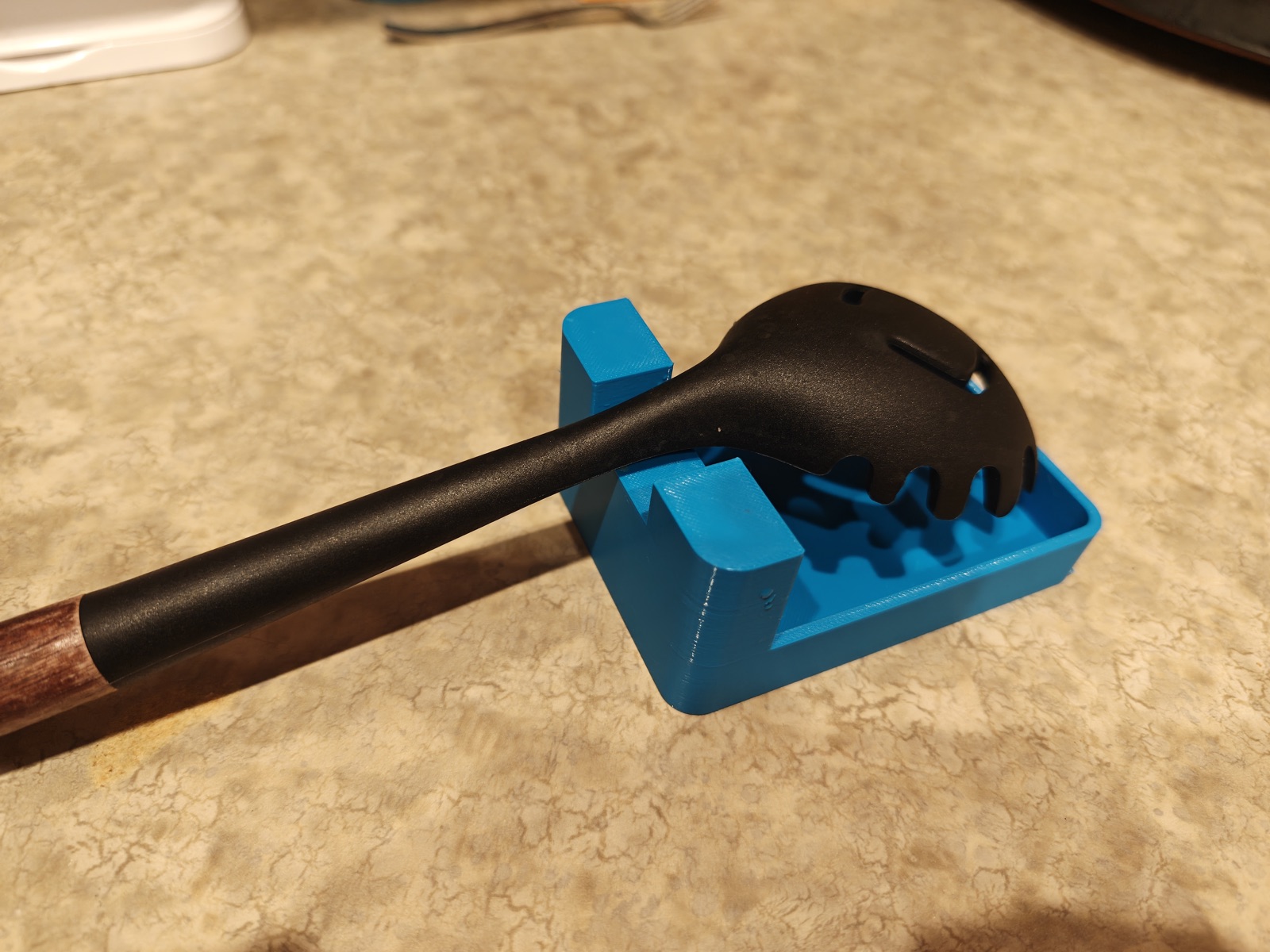
A drip tray to hold a used spatula while cooking